

During a VCF 9 entitlement I had to do some basic health checks now and then because of some recurring purple screens which caused various issues in the customer’s PoC environment. VCF Automation and IDB had been deployed in HA mode as a 3 node cluster each. Besides using the VCF Operations dashboards and the Supportability and Serviceability utility (SOS) I didn’t have much knowledge how to check the individual health status of VCFA and IDB since they are both pretty new in VCF 9. Over the time I gained some knowledge and experience which I want to share (and later gradually expand) in this post.
Inventory Syncs
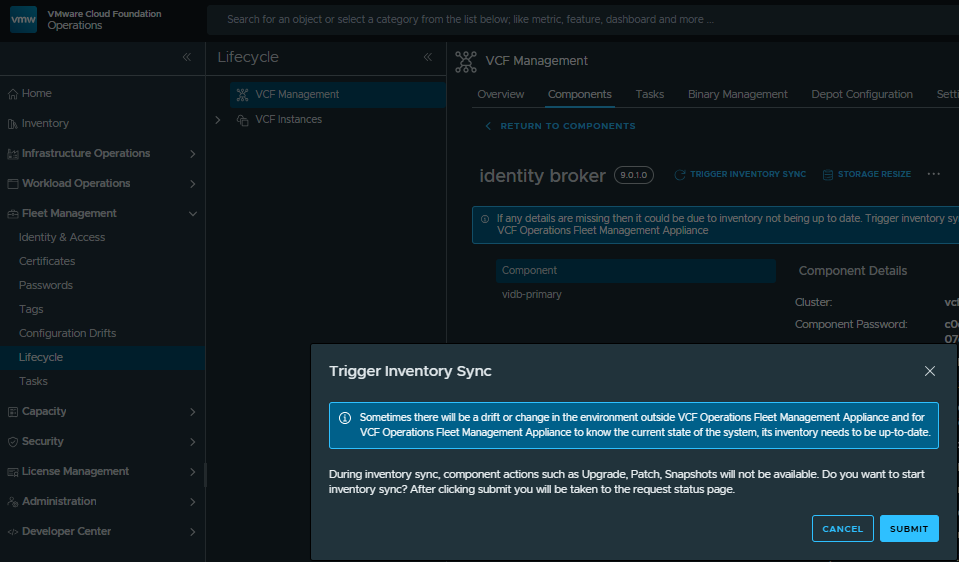
After outages or after bigger changes in the envirnment or before doing updates you should trigger an inventory sync in VCF Operations to get the current status and mitigate possible drifts. Go to Fleet Management => Lifecycle => VCF Management => Components => choose VCFA or IDB => choose “Trigger Inventory Sync”
Platform Health Status
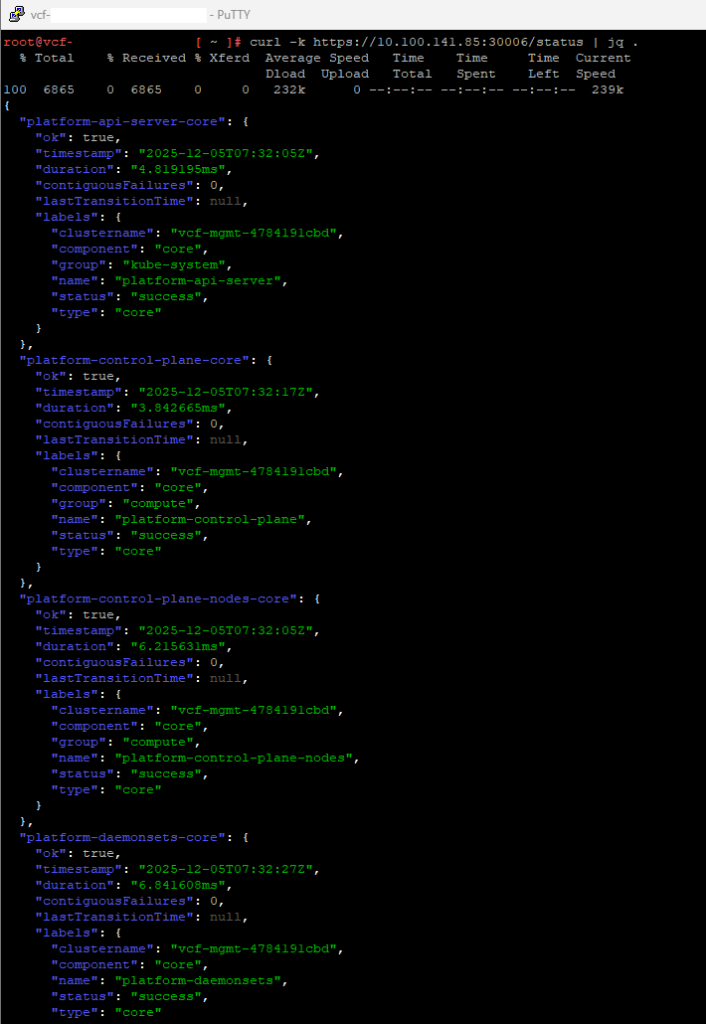
To check the general health status of the VMSP platform you can use curl:
# curl -k https://[PRIMARY_VIP]:30006/status | jq .
Pods Status
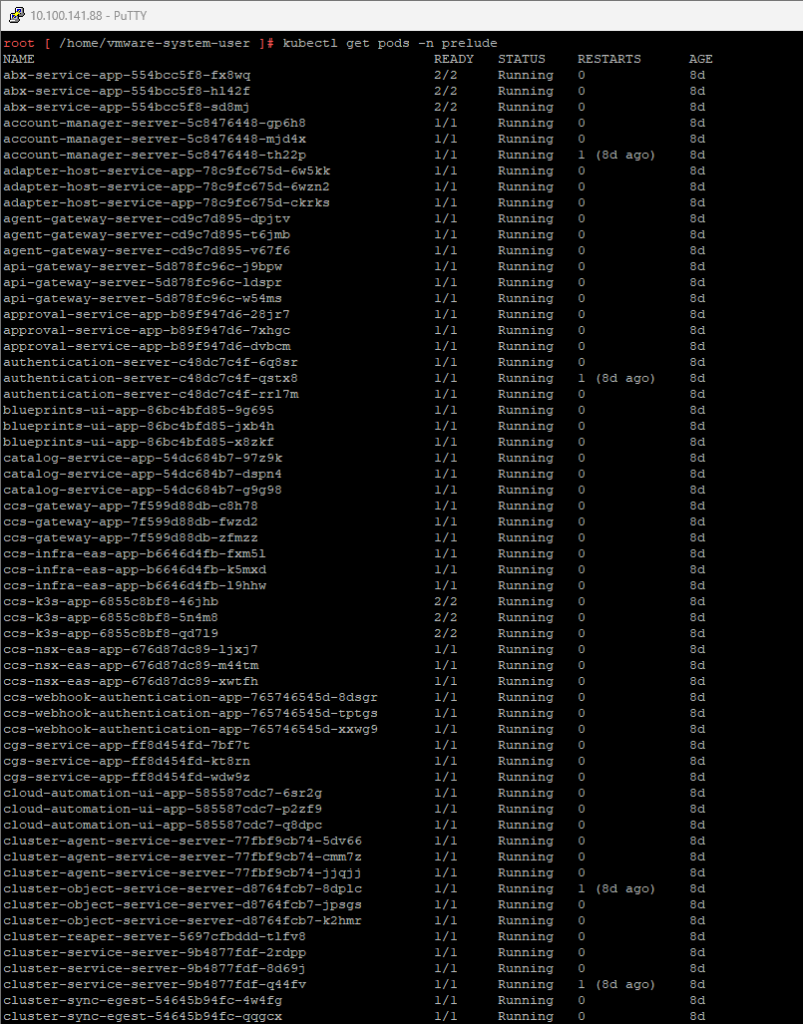
To check the status of the pods used by IDB you can use kubectl:
# kubectl get pods -n vidb-external

To check the status of the pods used by VCFA you can use kubectl:
# kubectl get pods -n prelude
Cluster Reboot
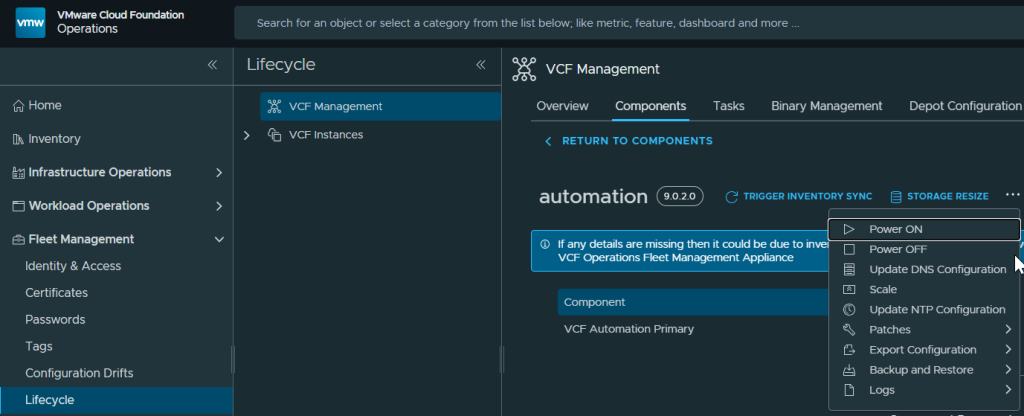
Sometimes it can be necessary to reboot the VCFA or IDB cluster to get it up and running again in a good and healthy state, for example after an unexpected failure in the environment. You can do this using VCF Operations where you shut down the cluster in the first step and after that start it again the same way. Go to Fleet Management => Lifecycle => VCF Management => Components => choose VCFA or IDB => choose the 3 dots => choose Power ON/OFF

I hope this post can be helpful to you. Feel free to share if you like…
// footnotes:
Date: 22. Feb 2026
Version: 1.0